

Get the app
Use Goosed on an iPhone, an Android phone or a computer. Sign in with the same account and your log is the same on each.
iPhone
From the App Store


Or add it to your Home Screen from Safari
In Safari, go to goosed.io and tap the menu button at the left of the address bar.
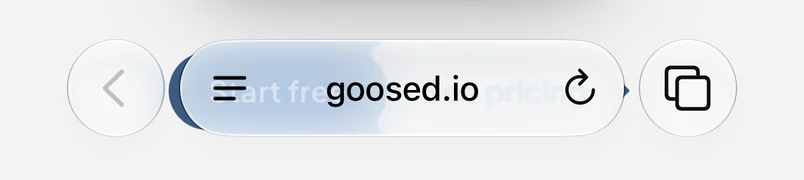
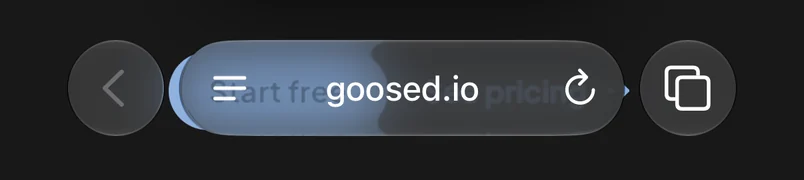
Tap Share.
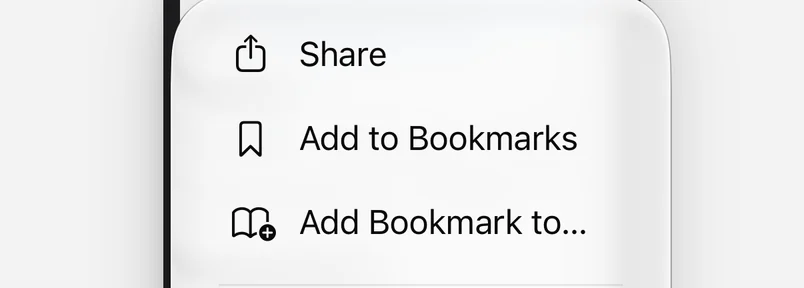
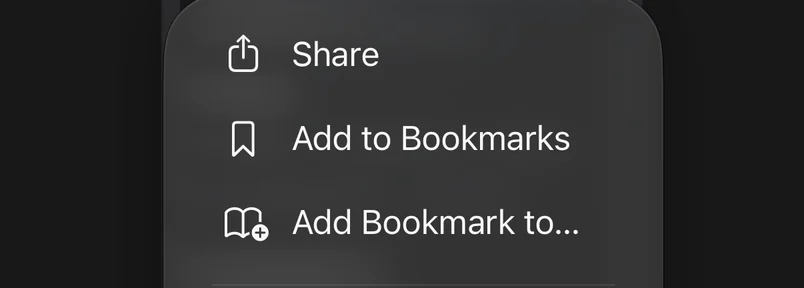
Tap View More.
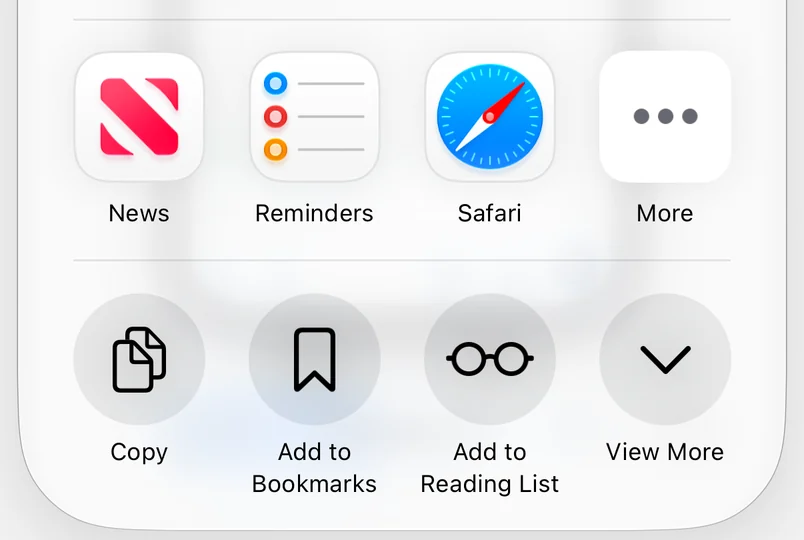
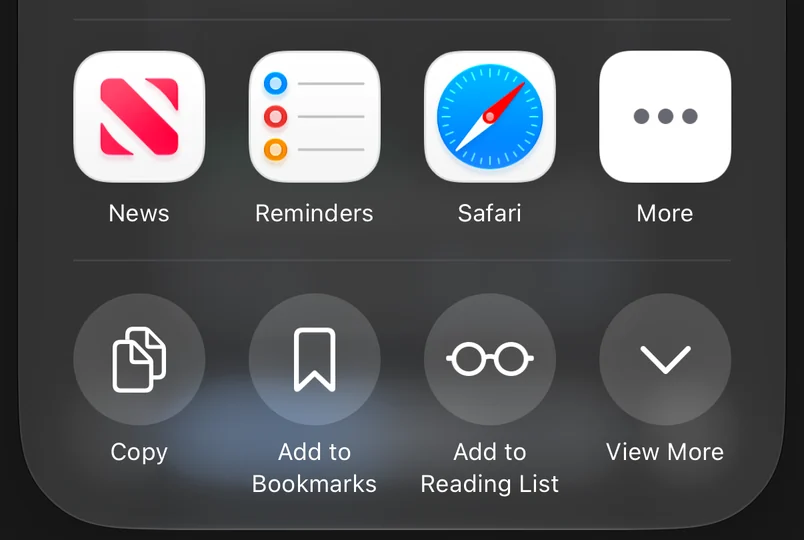
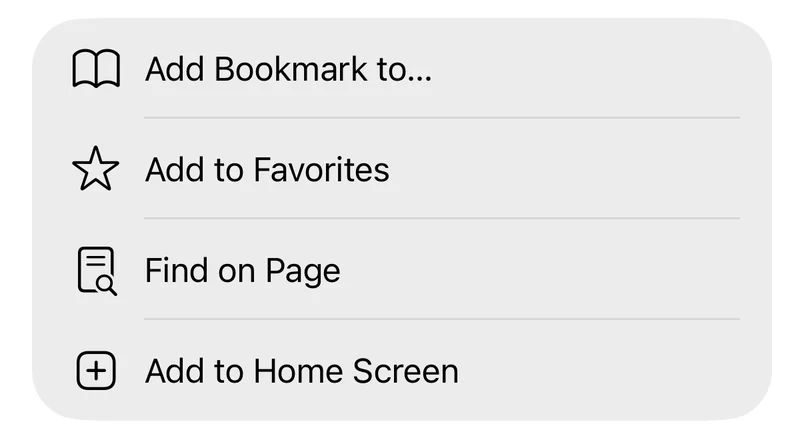
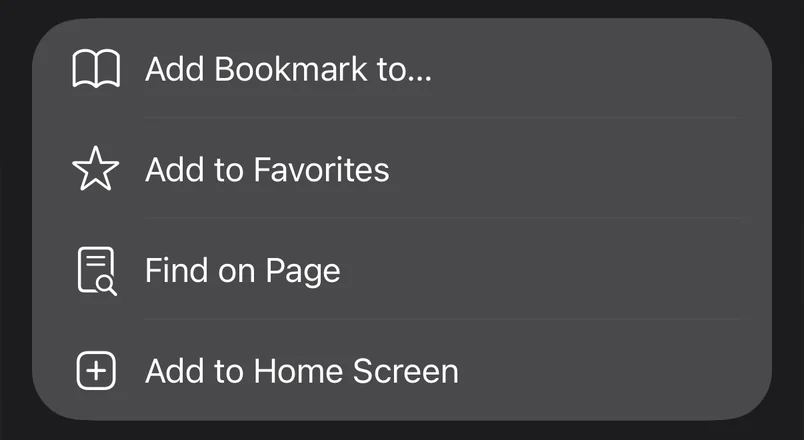
Tap Add to Home Screen.
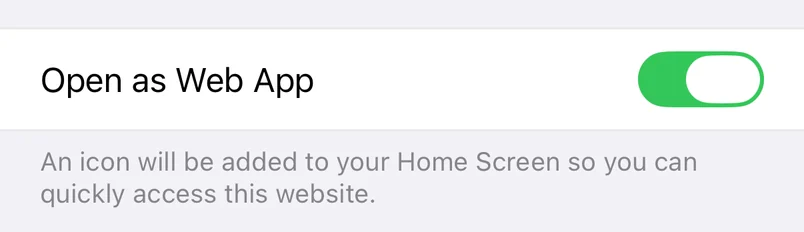
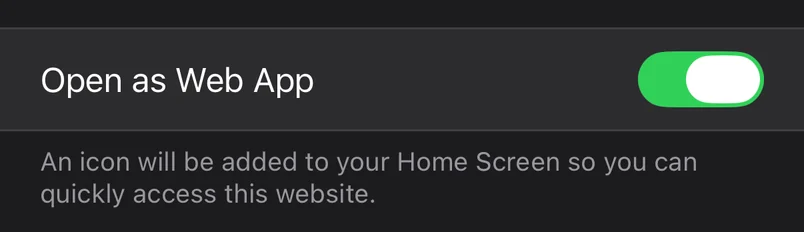
Leave Open as Web App switched on, then tap Add at the top right.
Open Goosed from your Home Screen and sign in.
On older versions of iOS, or with a different Safari layout, tap Share at the bottom of the screen, then find Add to Home Screen in the list.
Android
Install it from Chrome
In Chrome, go to goosed.io and tap ⋮ to the right of the address bar.


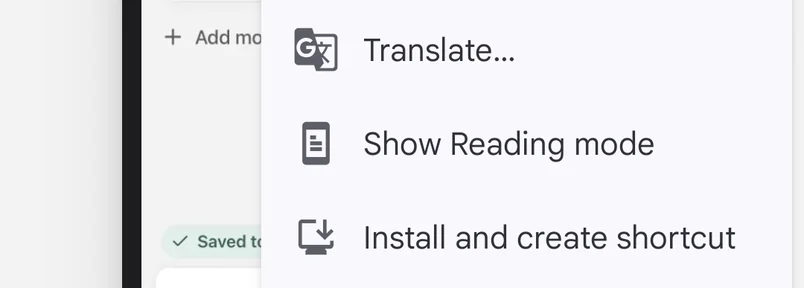
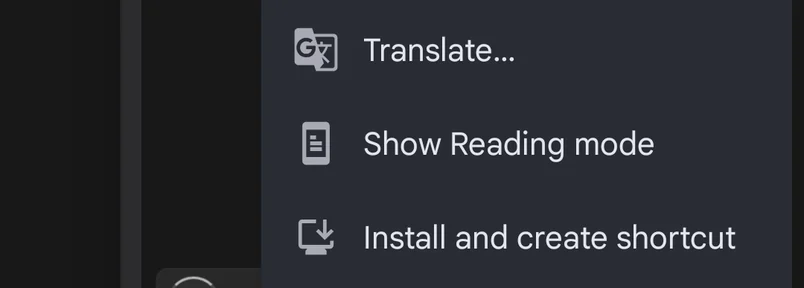
Tap Install and create shortcut.
Tap Install.
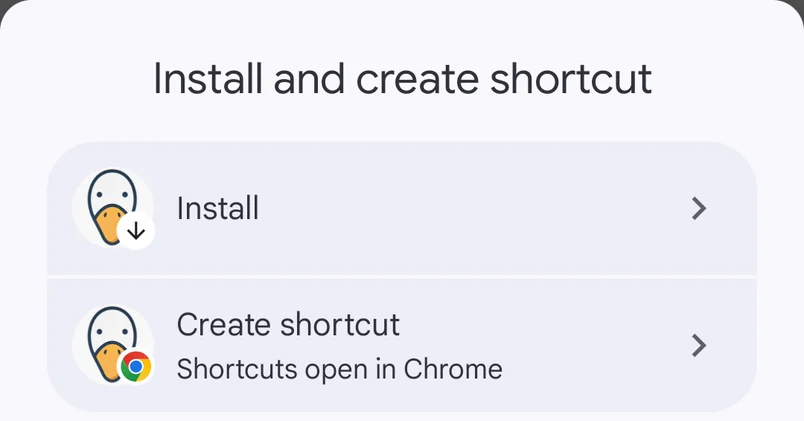
Tap Install again to confirm.


Open Goosed from your home screen and sign in.
Older versions of Chrome say Add to Home screen instead of Install and create shortcut, then go straight to the Install box.
Computer
Go to goosed.io in any browser and sign in.